
Put your listings on Pinterest, and choose every pin yourself
A ready pin with your listing's photo, title and link. You decide which listing goes to which board, and when.
To sign in with Google, open this page in your browser. The app's menu is usually under ⋯ at the top right.
14 days free · No credit card · Cancel anytime
By continuing you agree to the Terms of Use. We process your personal data as described in the Privacy Notice (KVKK).
14 days free · No credit card · Cancel anytime
Screenshot from a demo account. Figures are illustrative.
What KolayXport does
A ready pin from your listing
Pick an Etsy, eBay, Shopify, Wix or Trendyol listing. The photo, title, description and listing link come into the pin, and you can edit them before it goes out.
You choose every pin
Nothing is pinned on its own. If you like, ready draft pins open for your new listings, and a draft only goes out when you press 'Pin it'.
Boards and timing
Send a pin to your own board or to a board named after the product's category. Publish now or spread pins over the hours. Up to 25 pins per account per day.
A new photo for a new pin
When you pin the same product again, a photo that hasn't led a pin yet goes first. The same photo never goes to the same board twice.
Stats live from Pinterest
Impressions, saves, pin clicks and clicks to your shop are read from Pinterest each time you open them, and we never store them.

How it works
Connect your store: Etsy, eBay, Shopify, Wix or Trendyol.
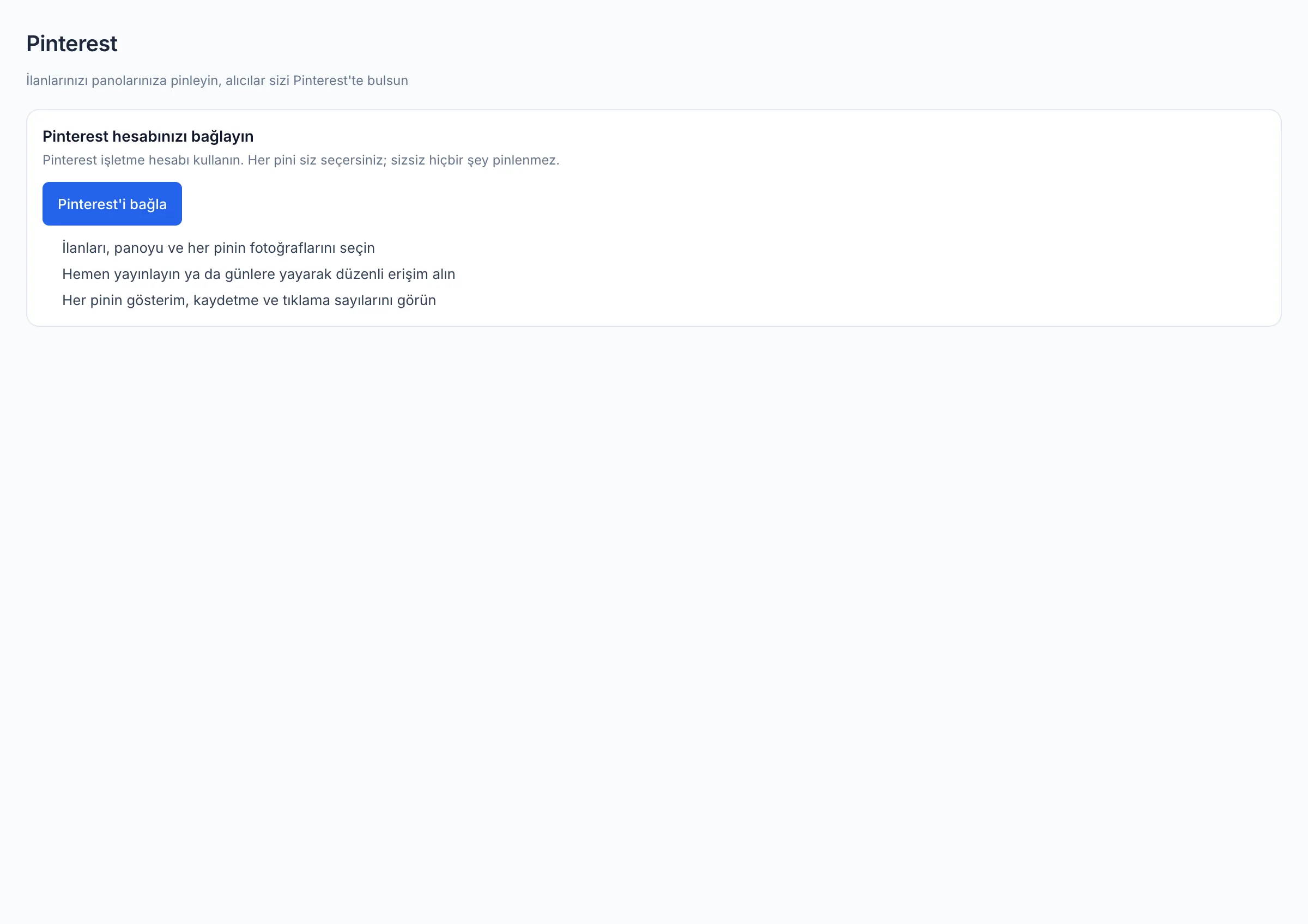
On the Pinterest page, press 'Connect Pinterest' and allow access with your Pinterest account.
Pick the listings you want to pin, then choose the board and the time.
Publish. Your pins appear publicly on Pinterest and lead straight to your listing.
Meet buyers searching Pinterest with your listing
On Pinterest, people look for what to buy: gifts, home, jewellery, clothing. Every pin leads straight to your listing. KolayXport builds the pin from your listing, and you publish it.
Frequently asked questions
Does KolayXport pin for me?
No. You choose every pin. You can turn on ready drafts for new listings, but a draft only goes out when you press 'Pin it'.
What can you access in my Pinterest account?
Only your account details, boards and pins (user_accounts:read, boards, pins). We can't see your ads, catalogs or billing.
Are my pin stats stored?
No. Impressions, saves and clicks are read live from Pinterest each time you open them, and we never store them. We only keep which listing was pinned to which board, and when.
Where do I see visits from Pinterest?
If you like, tracking tags are added to your pin links (utm_source=pinterest). You see those visits in your shop's own stats.
What happens if I disconnect?
Your access keys are deleted, and so are your draft and scheduled pins that haven't gone out yet. Pins already published stay on Pinterest.
Related pages
- Ask ChatGPT and Claude about your shopConnect your KolayXport account once, then ask about your orders, sales and listings in everyday language. Listing suggestions are saved as drafts, and you send them to the marketplace.Read more
- Bulk edit your eBay listings, and see every change before you send itItem specifics, category, business policies, photos, price, stock and variations, across many listings at once. Changes are staged first, so nothing changes on eBay until you send it.Read more
- Find what to sell on eBay and list it in minutesRun your eBay business from product research to listing, and from order to tracking number, in one bilingual workspace.Read more
Strengthen your first listing today
Connect your shop, have one listing's English copy rewritten and see the difference yourself.
14 days free · No credit card · Cancel anytime